HOW TO USING ADVANCE SETTING CURRENCY

  • bob
  • Topic Author
  • Offline
  • Junior Member
  • Junior Member
More
5 years 7 months ago #136872 by bob
Hello Mr. Tuan,

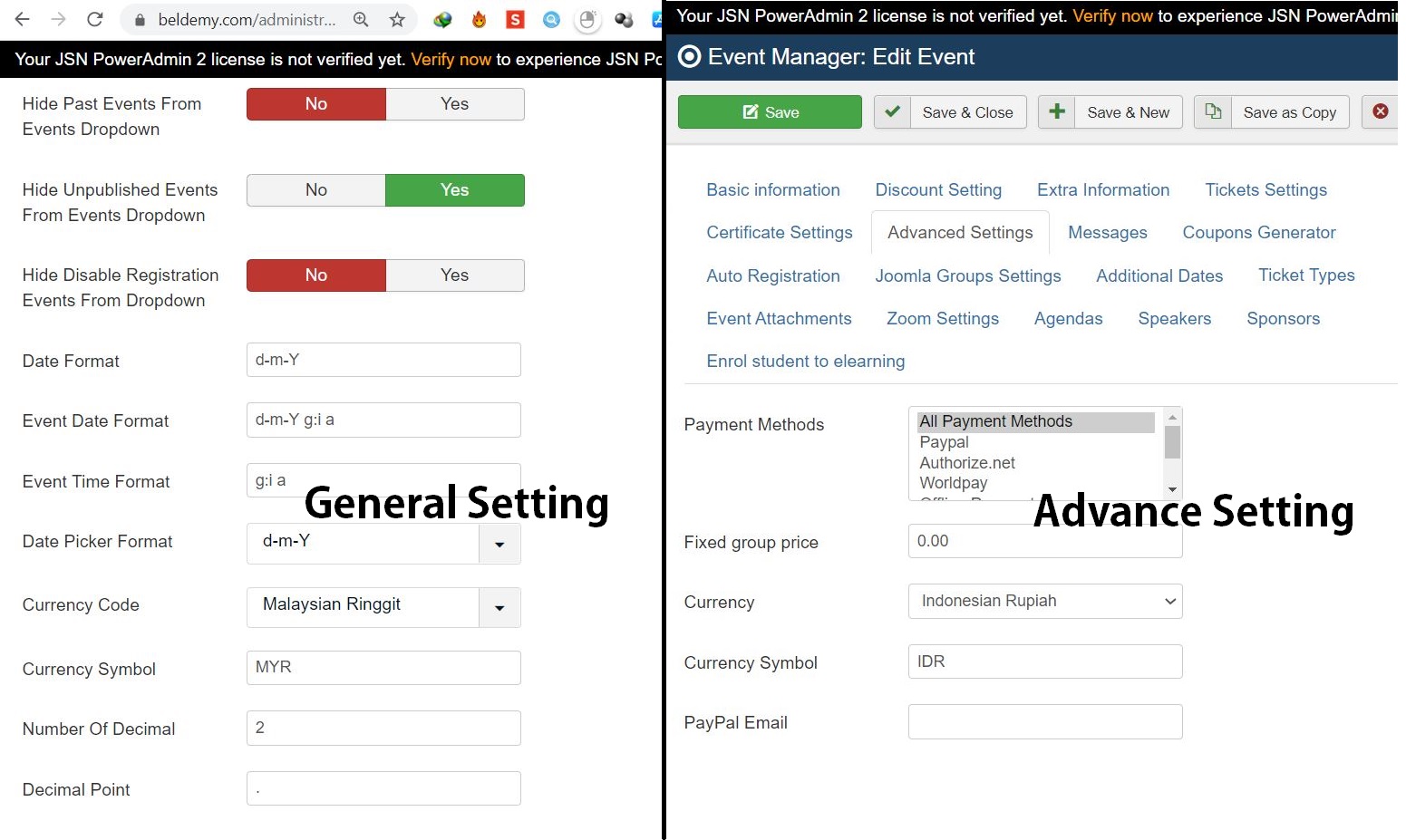
how can I use currency symbol in "advance setting" instead of using the currency in the "default general" setting in checkout, cart, and during make a payment?


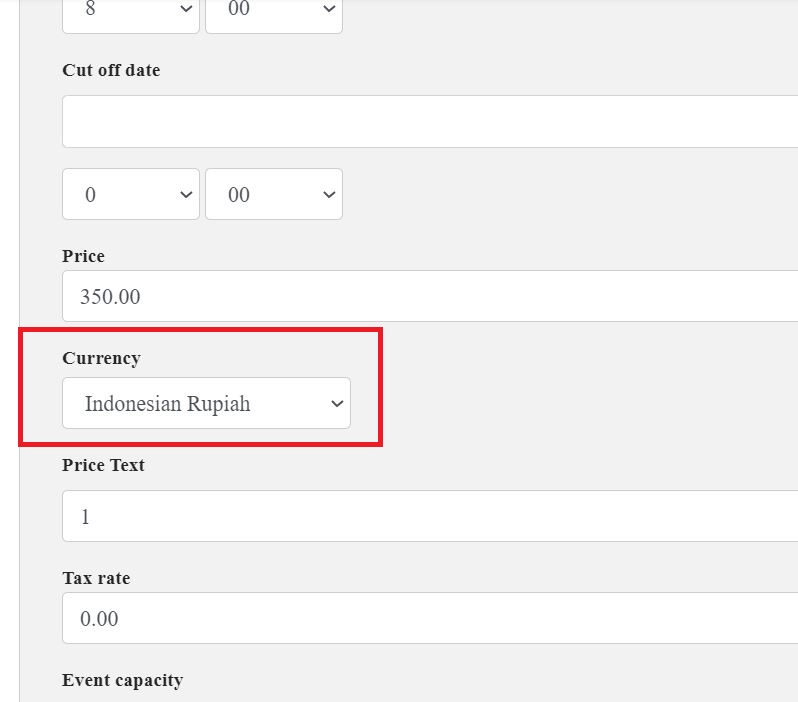
because in the submit event section, I already add a new field named "Currency Code", and this "currency code" link with advance setting currency...
so user can choose the currency from submit event section.


and my idea is the user will make a payment base on the event currency.

Please Log in or Create an account to join the conversation.

  • Tuan Pham Ngoc
  • Away
  • Administrator
  • Administrator
More
5 years 7 months ago #136873 by Tuan Pham Ngoc
Replied by Tuan Pham Ngoc on topic HOW TO USING ADVANCE SETTING CURRENCY
Hi Bob

The only way is disable shopping cart. Go to Events Booking -> Configuration, set Activate Shopping Cart config option to No and users will be able to process payment for the event using the currency selected for that event

When you use shopping cart, users can add multiple events to cart, and in case each of these events have it own currency, so the system could not handle that (for payment process, only one currency could be used)

Tuan

Please Log in or Create an account to join the conversation.

Moderators: Tuan Pham Ngoc