- Posts: 4
- Thank you received: 0

Need help with Joomla? We are available for hire to help with Joomla customization, upgrades, maintenance, and custom development.
Explore our services View Events by category on a new page
- mario
- Topic Author
- Offline
- New Member
-

Less
More
11 years 7 months ago #58648
by mario
View Events by category on a new page was created by mario
I am busy with a school website -
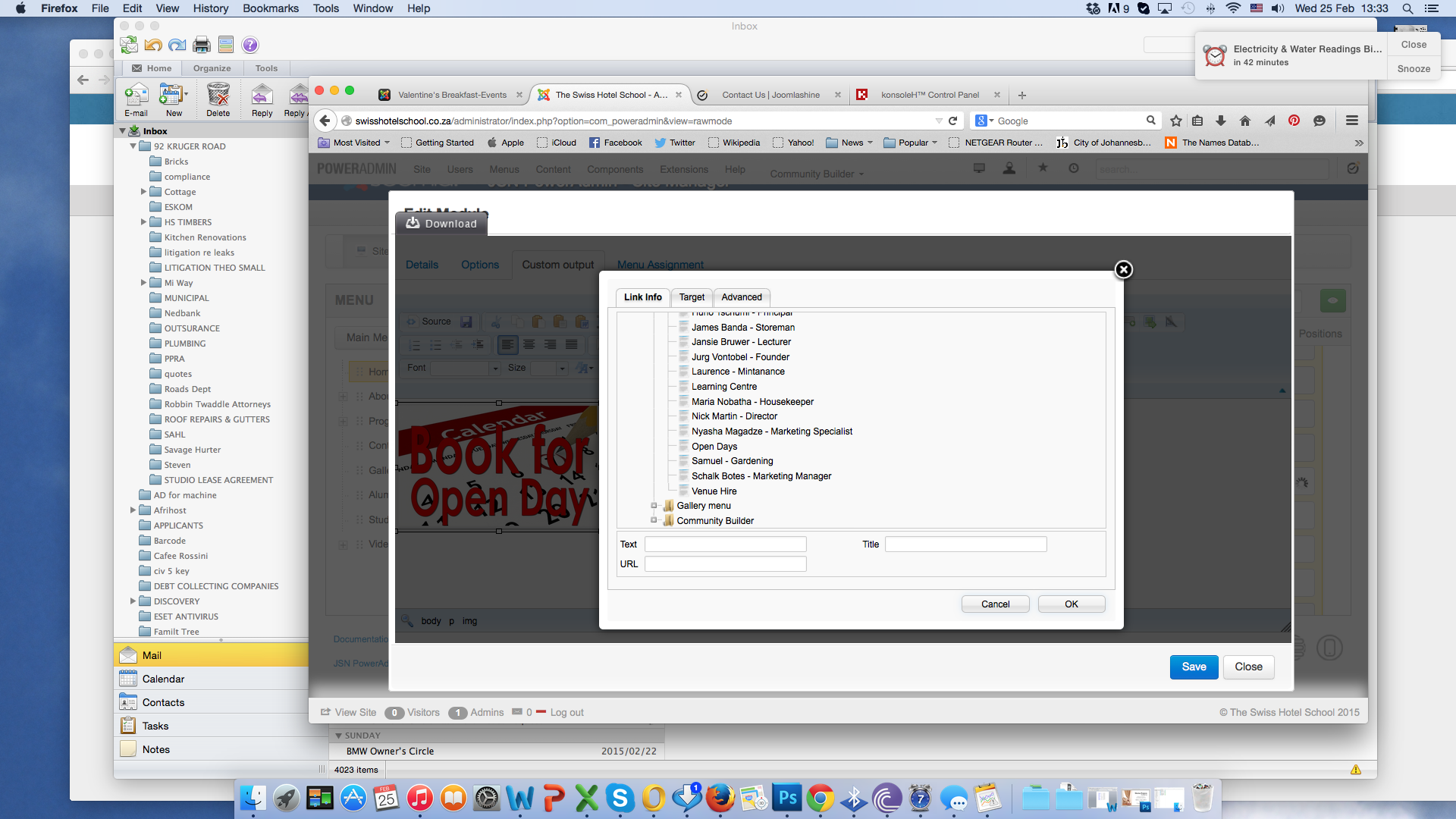
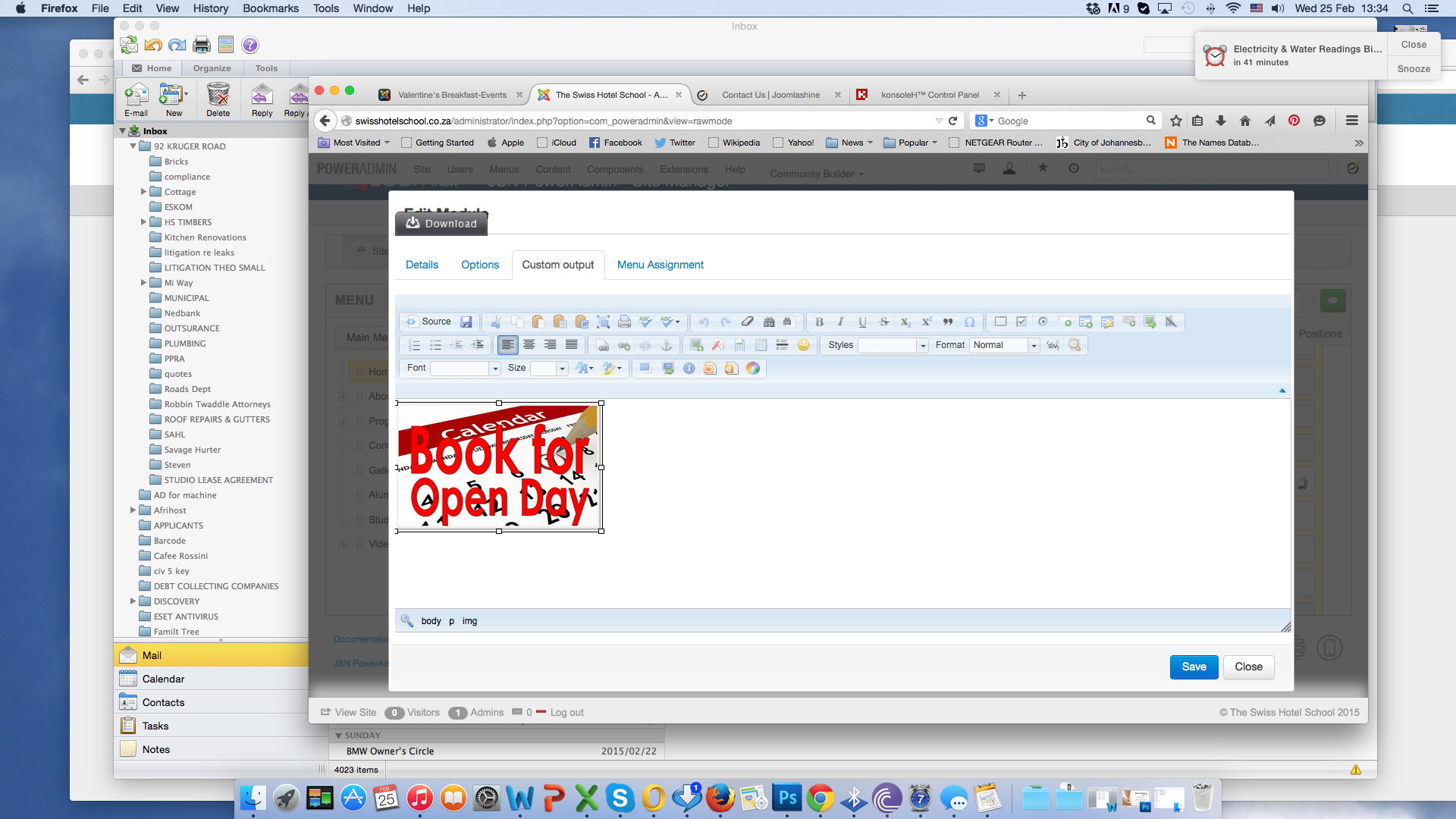
on the home page there is an image which says "OPEN DAYS" I need to link this image to the already setup category in EventBooking called "Open days"
I need this to open in a separate page, and not in the breadcrumbs home page.
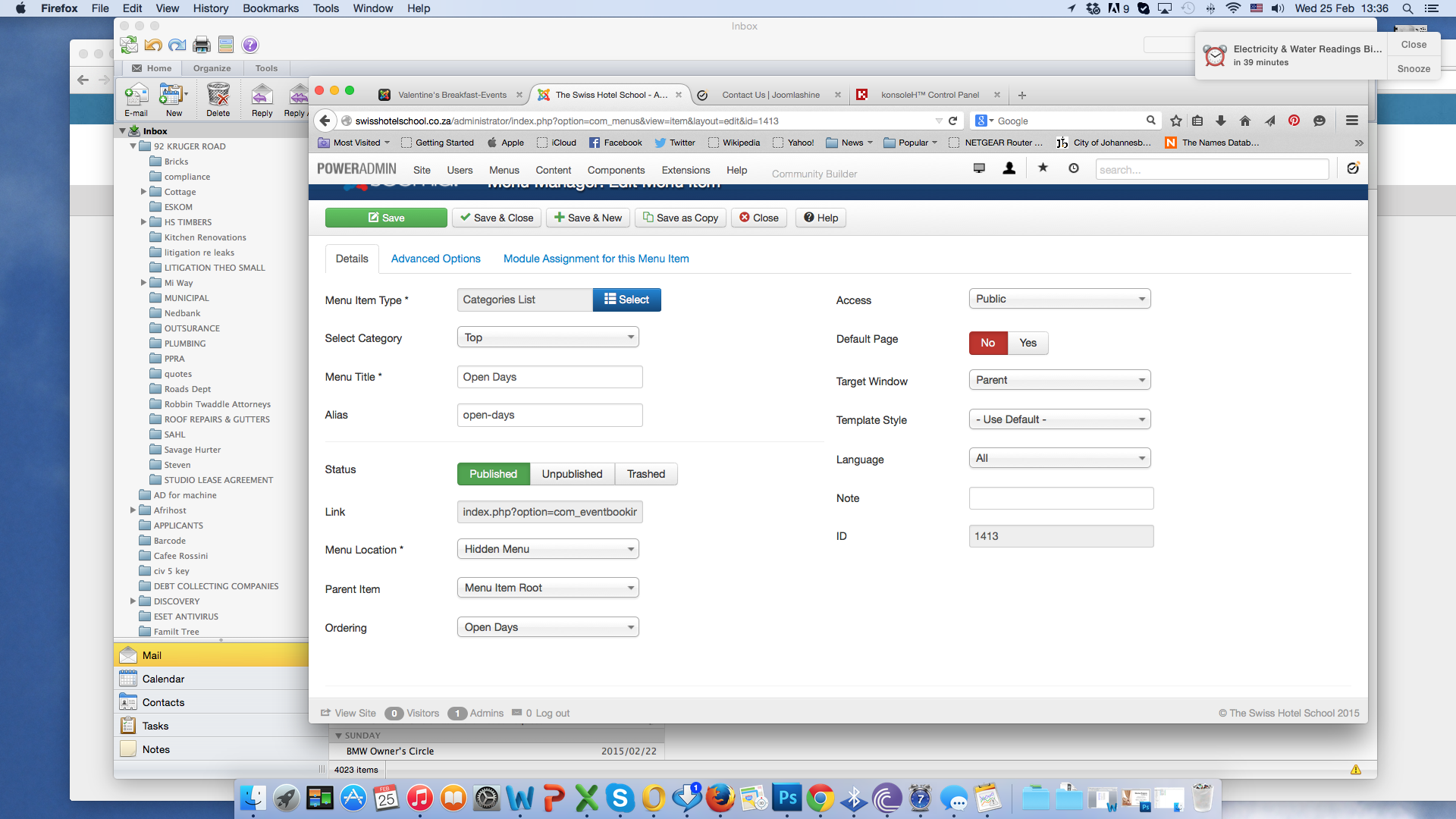
I created a "Hidden Menu" and set the menu type to category list with ordering menu to "open days"
When i do this, i get the white page of doom, and the home page goes blank.
any help and/or suggestions??
on the home page there is an image which says "OPEN DAYS" I need to link this image to the already setup category in EventBooking called "Open days"
I need this to open in a separate page, and not in the breadcrumbs home page.
I created a "Hidden Menu" and set the menu type to category list with ordering menu to "open days"
When i do this, i get the white page of doom, and the home page goes blank.
any help and/or suggestions??
Please Log in or Create an account to join the conversation.
- Tuan Pham Ngoc
- Offline
- Administrator
-

11 years 7 months ago #58664
by Tuan Pham Ngoc
Replied by Tuan Pham Ngoc on topic View Events by category on a new page
Hi
I don't have any clue why it happens. Could you submit a support ticket sending us super admin account of your site so that I can check it?
Tuan
I don't have any clue why it happens. Could you submit a support ticket sending us super admin account of your site so that I can check it?
Tuan
Please Log in or Create an account to join the conversation.
- Stephan Hodges
- Offline
- Premium Member
-

Less
More
- Posts: 146
- Thank you received: 11
11 years 7 months ago - 11 years 7 months ago #58680
by Stephan Hodges
Replied by Stephan Hodges on topic View Events by category on a new page
You could temporarily set the error reporting to "Maximum". If you have FTP access, perhaps with Filezilla(?), then you can directly edit the configuration.php file in your site's root folder.
For example. Change
public $error_reporting = 'default';
to
public $error_reporting = 'maximum';
This should show an error message.
If you are sure that it is the event booking that's doing it, you could also temporarily rename the main event booking component (again using Filezilla) in "administrator/components/com_eventbooking to something else, such as "com_Xeventbooking"
This might not be the best way to deal with it. If it's just the front page article, then change it back before renaming event booking back.
Also, Tuan could tell you if you need to rename a different part of Event Booking. Perhaps the plugins, since you have it in a front page article(?)
(I'm not affiliated with OS Solution)
Of course, change things back as soon as possible. Be sure to change the configuration.php error reporting back within a few minutes, so that it doesn't expose any unnecessary information to other visitors.
For example. Change
public $error_reporting = 'default';
to
public $error_reporting = 'maximum';
This should show an error message.
If you are sure that it is the event booking that's doing it, you could also temporarily rename the main event booking component (again using Filezilla) in "administrator/components/com_eventbooking to something else, such as "com_Xeventbooking"
This might not be the best way to deal with it. If it's just the front page article, then change it back before renaming event booking back.
Also, Tuan could tell you if you need to rename a different part of Event Booking. Perhaps the plugins, since you have it in a front page article(?)
(I'm not affiliated with OS Solution)
Of course, change things back as soon as possible. Be sure to change the configuration.php error reporting back within a few minutes, so that it doesn't expose any unnecessary information to other visitors.
Last edit: 11 years 7 months ago by Stephan Hodges. Reason: make it bold
Please Log in or Create an account to join the conversation.
Moderators: Tuan Pham Ngoc
Support
Documentation
Information
Copyright © 2026 Joomla Extensions by Joomdonation. All Rights Reserved.
joomdonation.com is not affiliated with or endorsed by the Joomla! Project or Open Source Matters.
The Joomla! name and logo is used under a limited license granted by Open Source Matters the trademark holder in the United States and other countries.
The Joomla! name and logo is used under a limited license granted by Open Source Matters the trademark holder in the United States and other countries.