Edocman 2.1 introduces several significant enhancements to improve user experience and system stability. The new version offers an improved PDF file viewing function, ensuring smoother and more reliable access to document contents. The extension's layout has been updated to meet web accessibility standards, making it more user-friendly for visually impaired users. Additionally, the development team has resolved potential PHP logic issues to enhance overall code stability. Finally, the interface of Edocman's pages and modules has been refined for a more attractive appearance, especially when using dark layout themes.
1. Comprehensive PDF Viewing Enhancements in Edocman 2.1
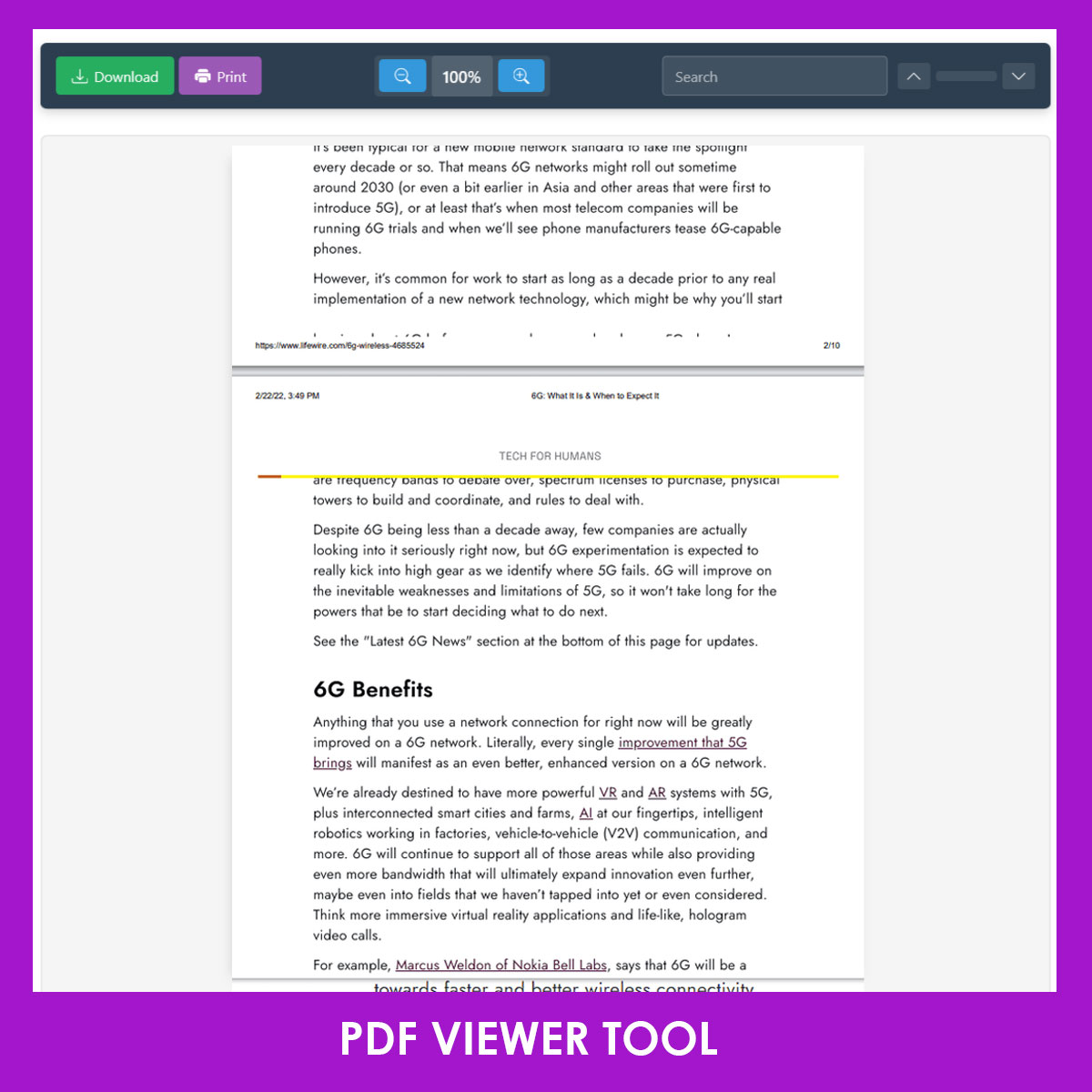
The PDF viewing functionality in Edocman 2.1 has been substantially upgraded to deliver a more powerful, flexible, and secure document experience for Joomla users. Key improvements include:
- Print and Download Options: Users can now conveniently print or download PDF documents directly from the viewer, making it easy to share or archive important files.
- Support for Interactive PDF Forms: The viewer now fully supports PDF files that contain interactive forms with input fields, allowing users to view and interact with form elements directly within the browser.
- Enhanced Security with XSS Protection: Security has been significantly strengthened with advanced measures to prevent cross-site scripting (XSS) attacks, ensuring safe and secure document viewing.
- Compatibility with Various Apache Versions: The PDF viewer is now compatible with multiple versions of the Apache web server, ensuring smooth and reliable operation across different hosting environments.
- Browser-Based Document Viewing: Users can view PDF documents directly in their browser, providing a seamless and efficient reading experience without the need for additional software.
- Flexible Viewing Options: New Window or Modal Box: Edocman 2.1 allows users to open PDF documents either in a new browser window or within a modal box, offering greater flexibility and convenience based on individual preferences.
- Professional and Modern Interface: The PDF viewer interface has been redesigned to look more professional and visually appealing, enhancing the overall user experience.
Important Note for Admin Tools Users:
If you are using the Admin Tools component for Joomla, please navigate to the .htaccess Maker feature and add "edocmanviewer" to the "Frontend directories where file type exceptions are allowed" field. This is necessary to ensure the new PDF viewer operates correctly on your website.
2. Accessibility Improvements in Edocman 2.1
In anticipation of new web accessibility regulations that will soon take effect in Europe, we have worked diligently to enhance the user interface of Edocman 2.1 to ensure full compliance with these standards. The updated design focuses on making Edocman more accessible and user-friendly for visually impaired users. Key improvements include better keyboard navigation, improved screen reader compatibility, and clear visual contrasts throughout the interface. These changes not only help organizations meet legal requirements but also ensure that all users can manage and access documents effectively and inclusively.
3. Source Code Improvements
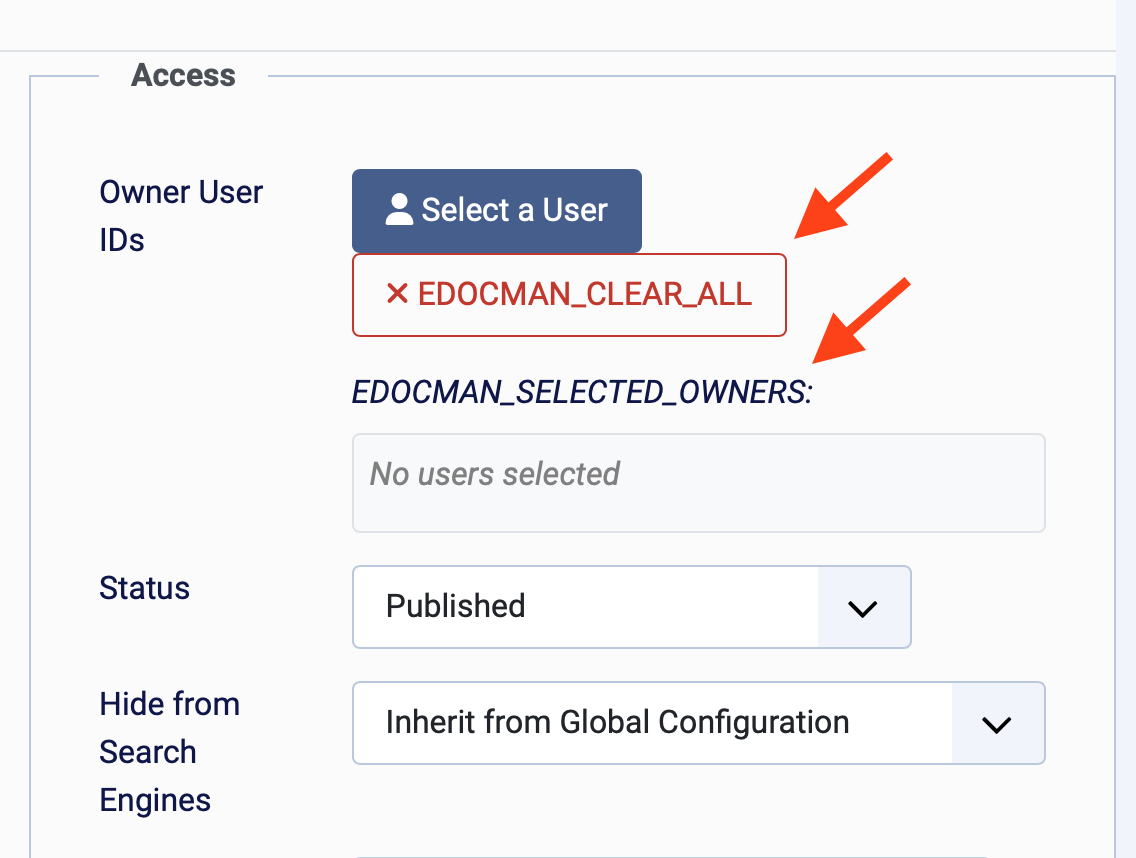
Edocman 2.1 includes important enhancements to the source code aimed at preventing potential PHP and SQL errors that were reported after the release of version 2.0. Our development team has thoroughly reviewed and optimized the logic throughout the extension, addressing issues related to data handling, database queries, and error management. These improvements ensure greater stability, compatibility, and reliability during everyday use. By proactively resolving these issues, Edocman 2.1 delivers a smoother and more secure document management experience for all Joomla users.
4. Dark Layout Improvements
Edocman 2.1 introduces significant enhancements to its support for dark layouts, ensuring a visually appealing and consistent experience for users who prefer dark themes. The interface of both the Edocman Documents module and all component layouts has been carefully refined. Colors, icons, and typography have been optimized for better readability and aesthetics on dark backgrounds. These improvements not only make Edocman look more modern and professional but also provide a comfortable viewing experience, especially in low-light environments. Whether you are browsing documents or managing files, the updated dark layouts ensure that every aspect of Edocman integrates seamlessly with your Joomla site’s dark theme.
Upgrade to Edocman 2.1 to experience enhanced document management, improved user interface, better security, and new accessibility features introduced since version 2.0.