Hi Alison,
Yes, this is absolutely possible! Here's how to configure it:
Step 1: Configure ACL Permissions
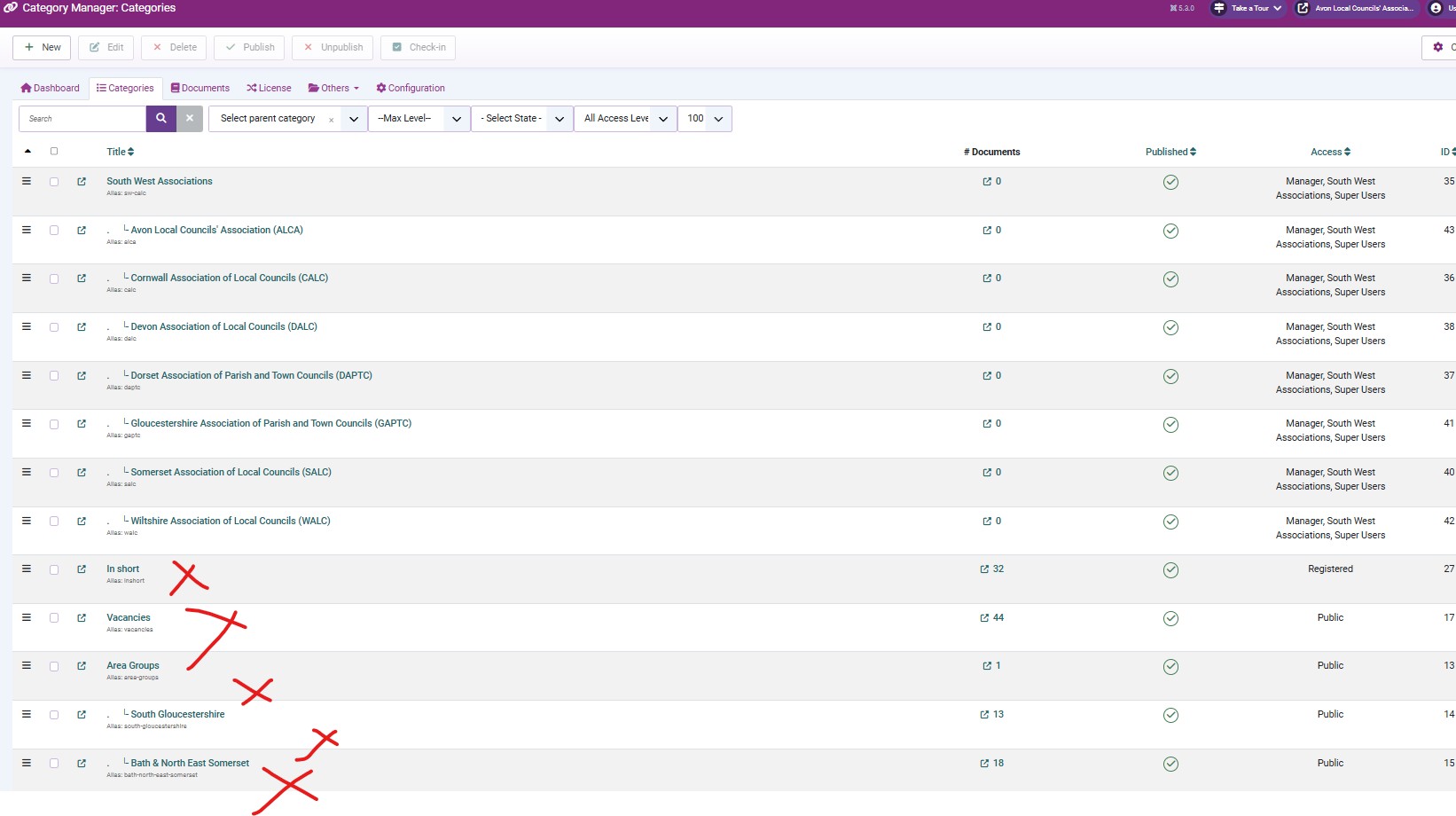
Go to Edocman Categories → Select "South West Associations" parent category
In the Permissions tab, find your specific user group
Set Create permission to Allowed for this group
This will automatically inherit to all 7 child categories
Step 2: Create Special Access Level
Go to Users → Access Levels → New
Create a new access level (e.g., "South West Users")
Add your specific user group to this access level
Go back to "South West Associations" category and all its child categories
Set Access field to your new "South West Users" access level
Step 3: Restrict Other Categories
For all other categories (outside South West Associations):
Set Access field to Public, Registered, or Special - but NOT your "South West Users" access level
OR create another access level that excludes your user group
This ensures your user group cannot see these categories in frontend
Good luck,
Dam

 Topic Author