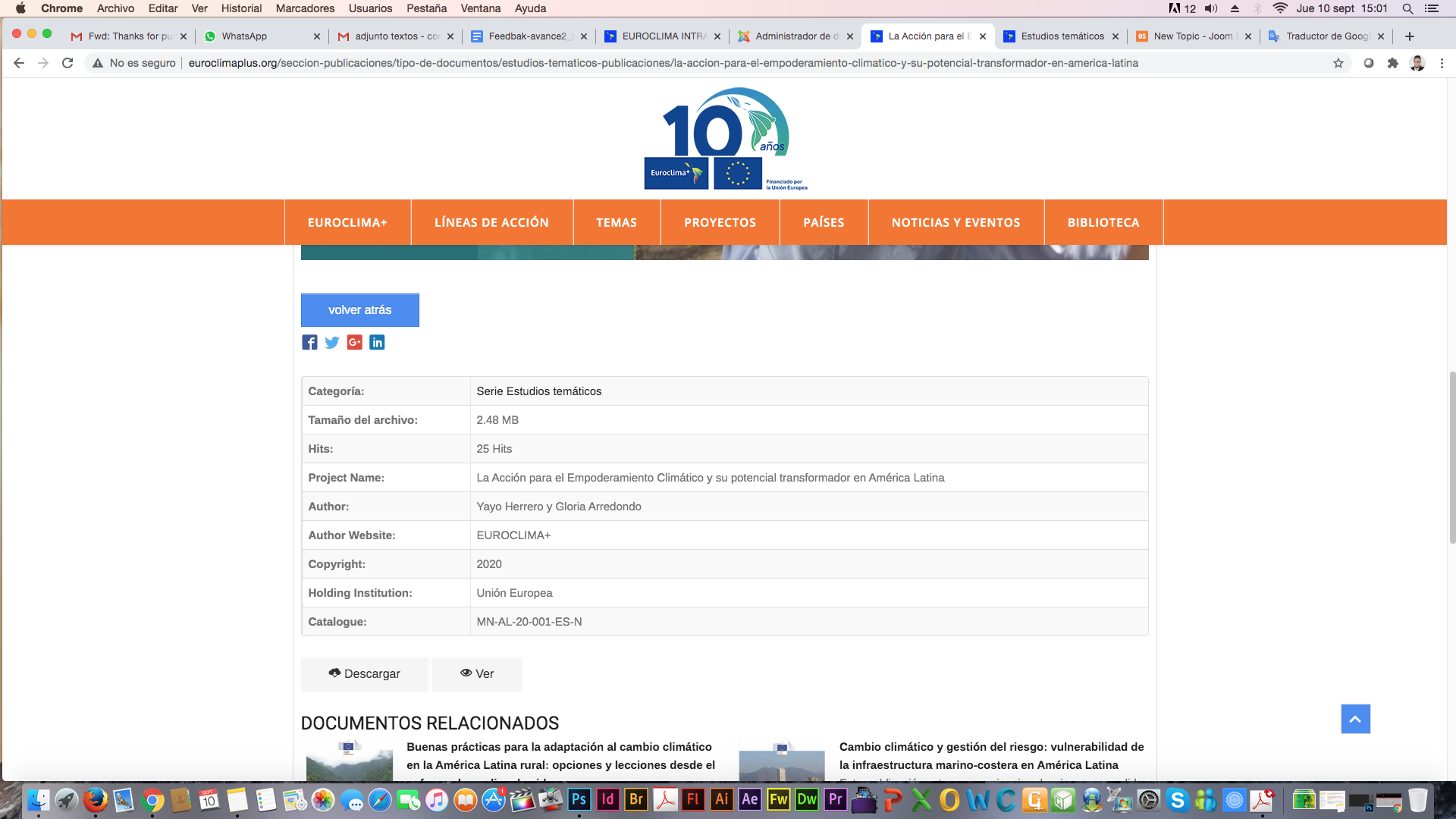
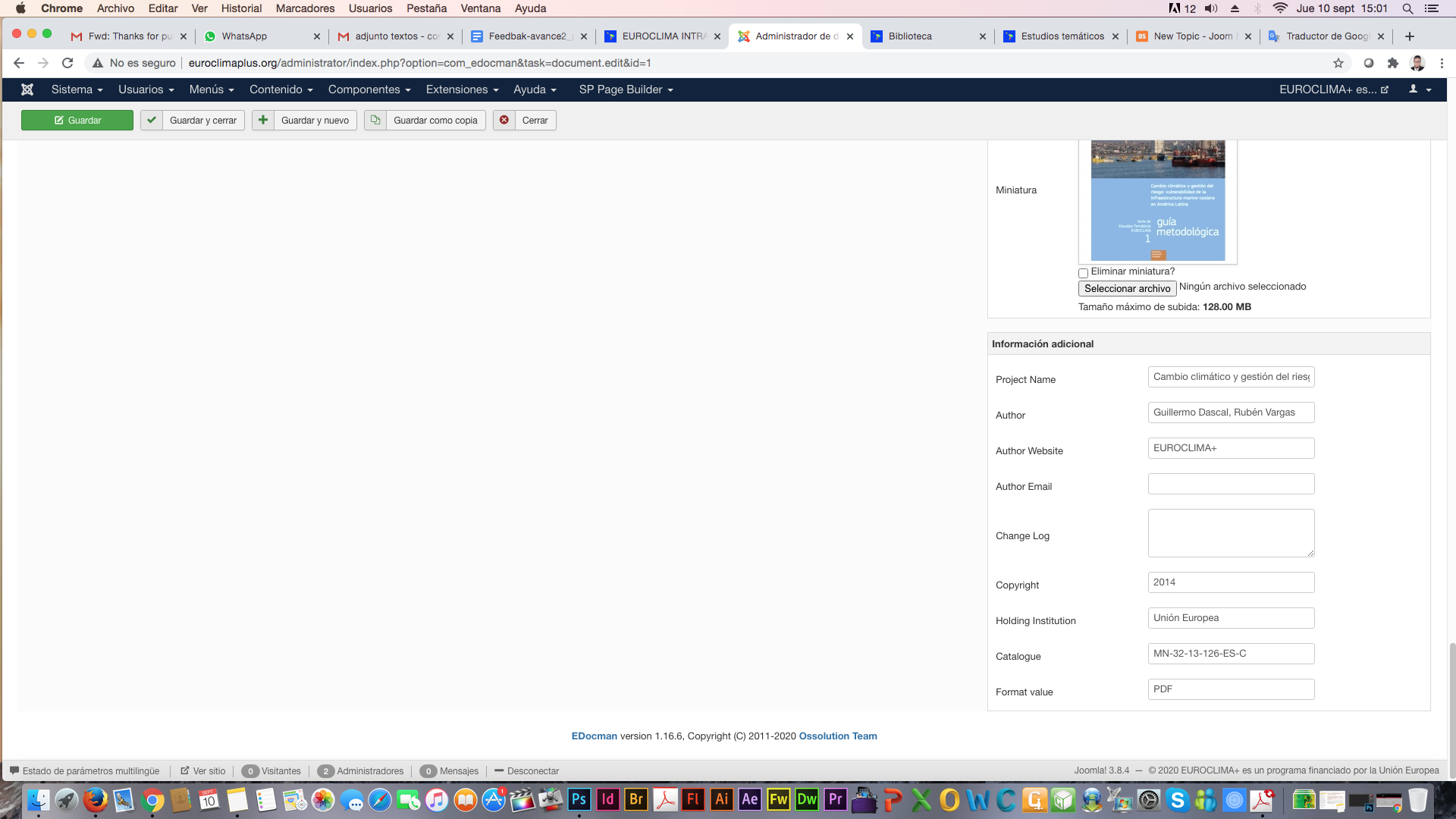
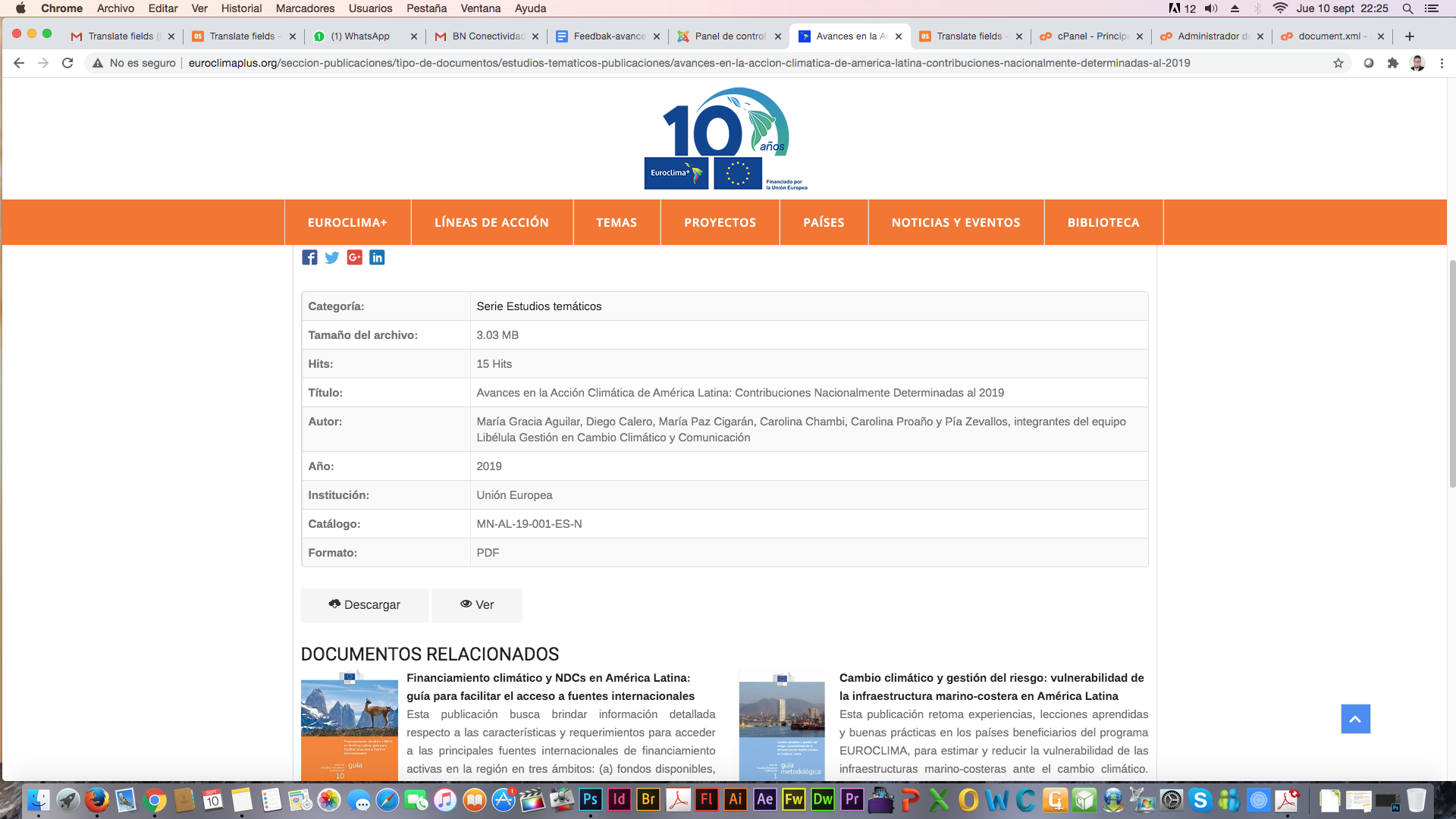
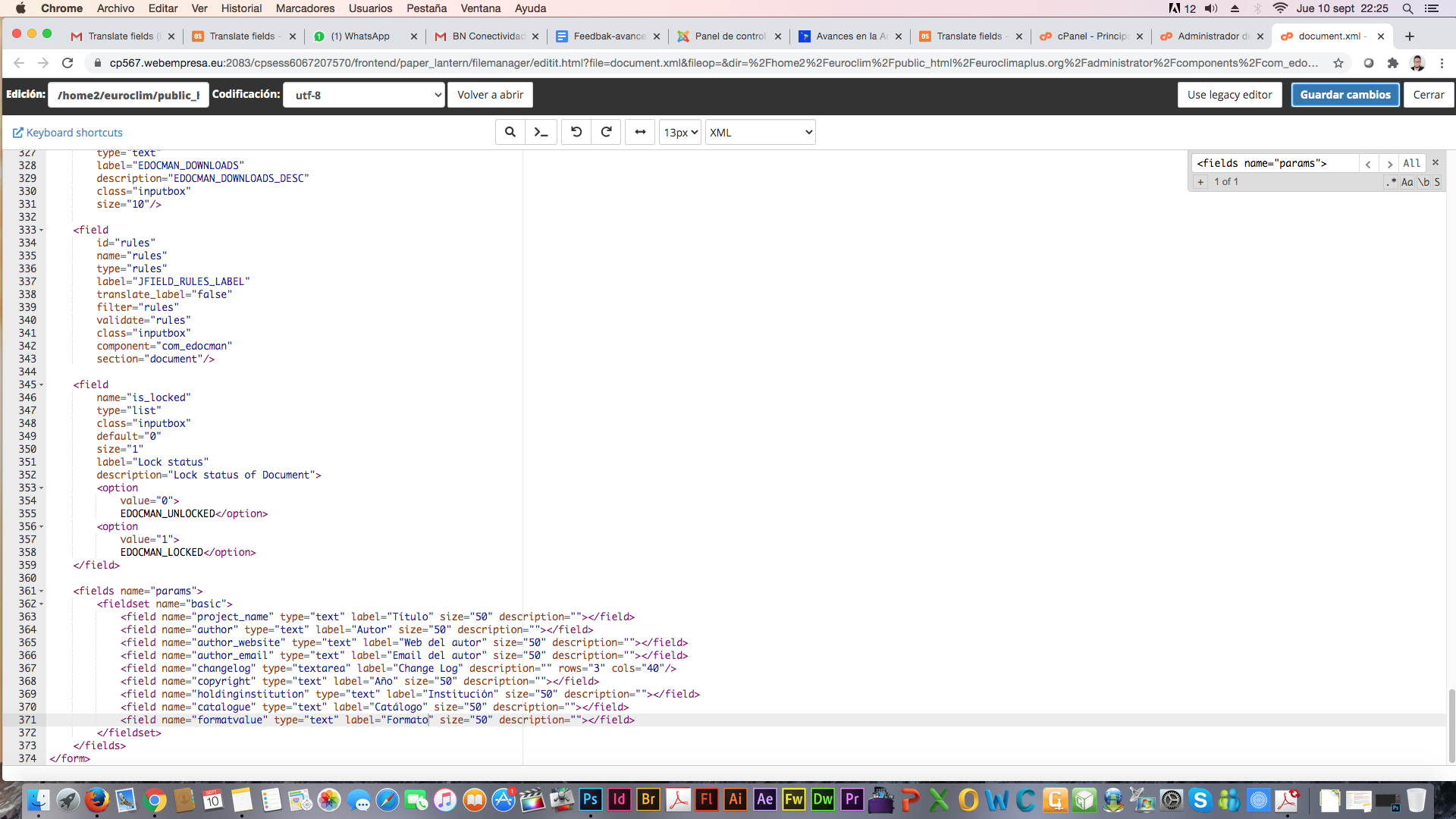
They are custom fields of documents in Edocman. To modify titles of those custom fields, please following below steps
1. Using Notepad to open file: root -> administrator -> components -> com_edocman -> model -> forms -> document.xml
2. Find:
Code:
<fields name="params">
<fieldset name="basic">
<field name="project_name" type="text" label="Project Name" size="50" description=""></field>
<field name="author" type="text" label="Author" size="50" description=""></field>
<field name="author_website" type="text" label="Author Website" size="50" description=""></field>
<field name="author_email" type="text" label="Author Email" size="50" description=""></field>
<field name="changelog" type="textarea" label="Change Log" description="" rows="3" cols="40"/>
<field name="copyright" type="text" label="Copyright" size="50" description=""></field>
<field name="holdinginstitution" type="text" label="Holding Institution" size="50" description=""></field>
<field name="catalogue" type="text" label="Catalogue" size="50" description=""></field>
<field name="formatvalue" type="text" label="Format value" size="50" description=""></field>
</fieldset>
</fields>
and change value of attribute:
label
Good luck
Dam